Google Chrome
Safe, fast, and reliable browsing with Google Chrome

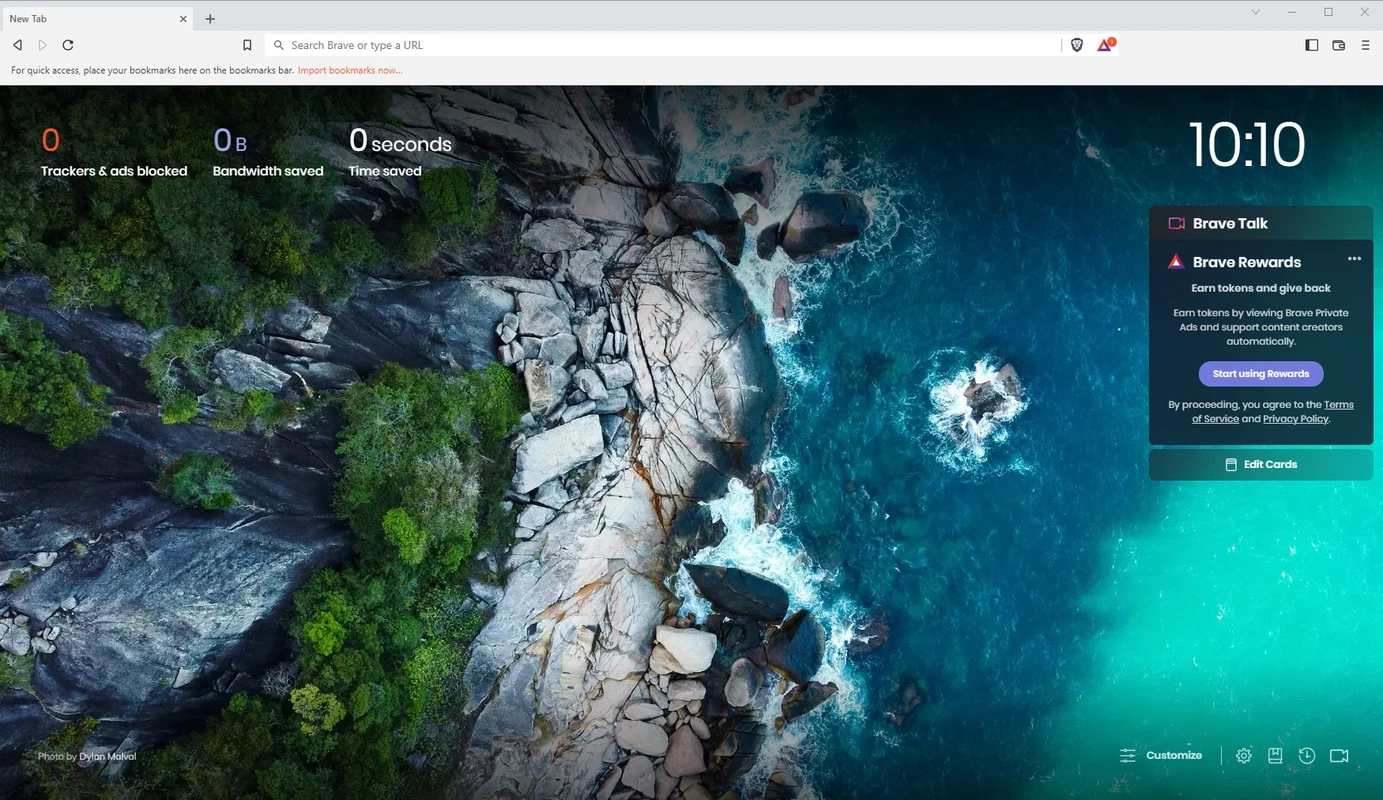

Brave Browser is an open-source and free Chromium-based internet browser available for all types of digital devices. It offers a safe, fast, and smooth browsing experience while offering multiple awesome features, including ad and tracker blocker, fingerprint protection, Automatic HTTPS upgrading, and so on.
The app has an easy-to-navigate interface without any distractions, and the flexibility of selecting the search engine, if you don’t want the Google search engine. It also offers customization options to fine-tune settings and enjoy your own privacy preferences.
Brave, developed by US-based Brave Software, Inc. and was released in 2016. It is a powerful and open-source internet browser based on the Chromium web browser. The free-to-use software helps to prevent ad interference while focusing on speed and security.
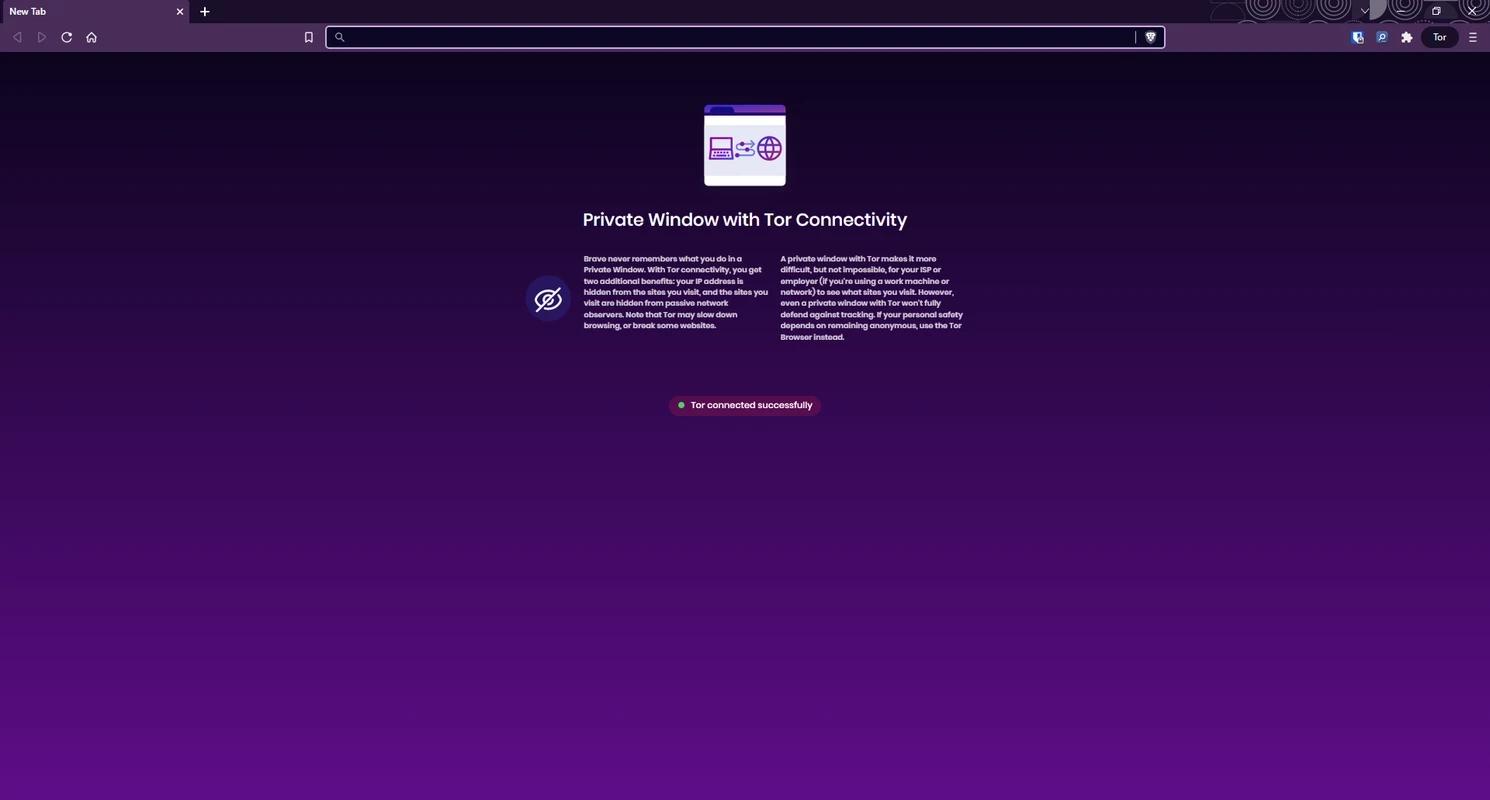
The open-source utility offers multiple built-in capabilities and a private browsing mode with integration of the Tor anonymity network. It also helps to manage your payment activities while using a special cryptocurrency named BAT, or Basic Attention Token. It is the best solution for users who are fed up with other software, such as Chrome, Edge, etc.
The simple and intuitive interface is similar to other browsers, with quick and easy navigation. On the top right corner, you will find the hamburger menu (three lines) for specifying your preferences. The main screen is neatly arranged within basic browsing tabs, including bookmarks, browsing data, user interface preferences, privacy preferences, and so on. In addition, ad blockers, scripts, and fingerprint protection are also available on the screen.
The innovative browser is based on Chromium, as it is an open-source project for web browsers to enable Google Chrome to draw code for Brave. So, anyone can view, edit, and contribute to the source code of Brave. The developer team offers three updates per month to keep it with changes in Chromium, and allows the users to get the latest security updates quickly.
The browser offers multiple privacy features that are optional, and it is up to users to enable them or not. Some of them are here.
The built-in ad blocker helps to prevent intrusive ads to avoid interference to improve your browsing experience. You will find secure and fast browsing, and it improves the page loading time. It also decreases data usage while offering a smooth and stable browsing environment.
It is another key feature, as it is an independent search engine, and doesn’t track your searches and clicks. It allows you to search the web in private, and there is no threat of collecting or analyzing your data. This awesome integration of a search engine with your browser gives you an enhanced browsing experience.
The virtual wallet allows users to manage their payment activities while offering integration to Bat (Basic Attention Token), a popular type of cryptocurrency. You can use this stored crypto for purchasing multiple in-app features, such as avoiding advertisements that are displayed in a non-intrusive way to disturb you’re browsing. You can use your credit or debit cards to purchase and add crypto to your Brave Wallet.
The browser has integrated AI assistance called Leo, as it offers a chatting feature, and allows users to ask questions and get detailed AI-generated answers within seconds. It is integrated with Brave Search to make your searches up to date while offering links as well. It is a convenient feature; you can even use it without having a Brave account.
The browser supports a firewall and VPN, especially in case of using a public Wi-Fi, as the VPN masks your IP address and encrypts your traffic while making your internet connection secure. It secures your data and prevents it from malicious factors. The extra layer of security is helpful for users who have various unsecured networks.
The browser is compatible with all digital devices, including mobile, Windows PCs, etc. The integration with Chromium helps to optimize the browsing speed. In addition, the synchronization allows users to sync their bookmarks across devices to ensure their access to their favorite websites. In addition, it also allows the importing and exporting of bookmarks from other browsers as well.
Pros
Cons

Safe, fast, and reliable browsing with Google Chrome

Opera offers the best browsing functionalities including built-in VPN, ad-blocker, and Turbo mode.

Safari for Windows, fast and secure web browsing

UC Browser for PC, the leading mobile browser now available for PCs

Cent Browser is a Chromium-based browser with seamless browsing online

Firefox can display a large number of pages and extra capabilities that can help you online very fast.